
Structured invoice drafts
Extract descriptions, quantities, units, rates, and payment terms from your voice note—not just a block of text.

Clear work. Clear next steps.
Voice-to-invoice software for solo handymen, maintenance professionals, and small home-service businesses. Describe the job, review the draft, and send a professional invoice without typing every line.
Solo$15per month · 30 drafts
Review before you send
From job to invoice
Built for invoicing
Turn spoken work details into structured line items you can check, edit, and send.
Extract descriptions, quantities, units, rates, and payment terms from your voice note—not just a block of text.
Short questions resolve missing costs, uncertain customer matches, and conflicting rates. Every extracted field stays editable.
Reuse confirmed customer information and saved rates without silently replacing the details you spoke.
Record partial or full payments and see the remaining balance. Invoiced value stays separate from payments received.
Stay in control
A phone-first workflow that keeps you in charge of the details and the final send.
Describe completed work, labor hours, and materials in a short recording after the job.
Business data stays isolated, with private document storage and authenticated access or secured document links.
Preview a professional PDF, download it, or confirm email delivery from the app.
Unclear prices prompt questions; tax applies only from settings you confirm.
Record and review in your phone browser, with a typed-note fallback.
Saved results let you reopen an invoice without generating it again.
How it works
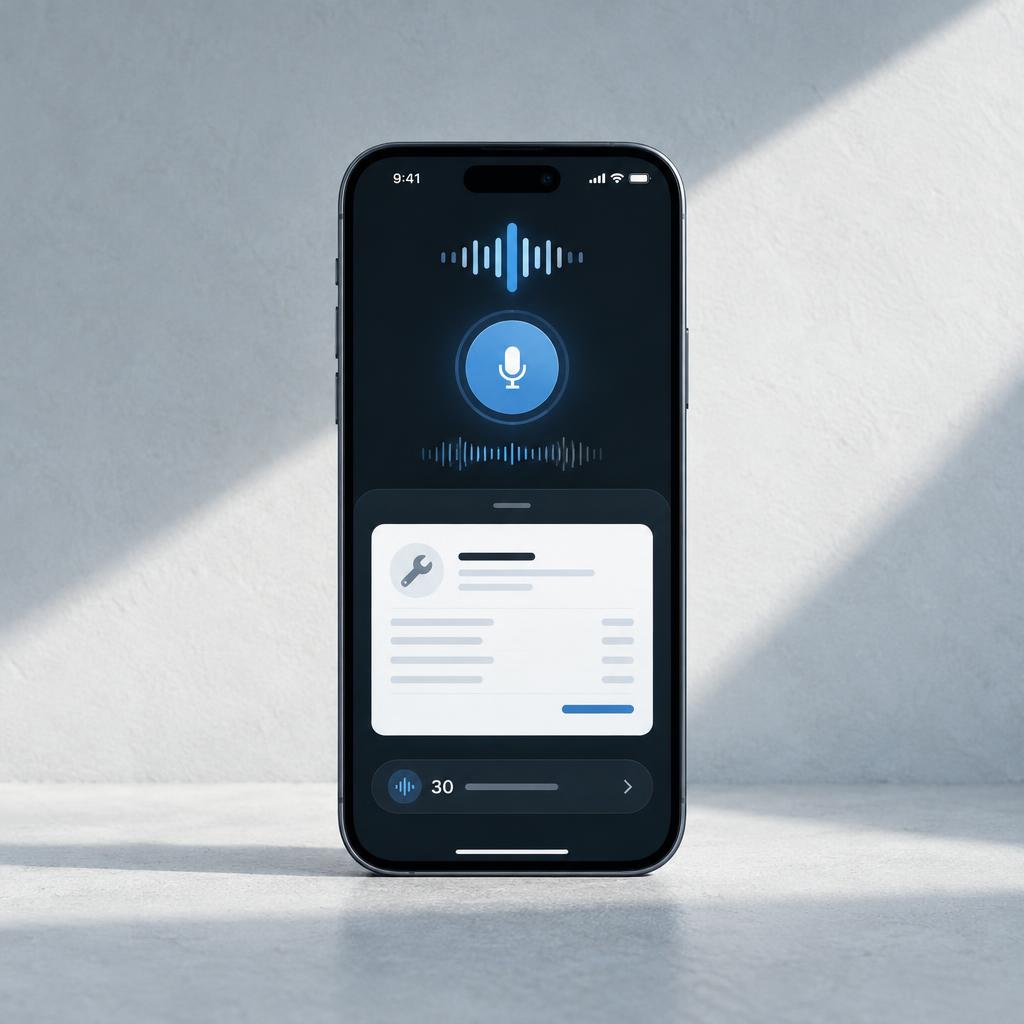
Fictional demonstration: a completed faucet job becomes an editable draft, then a finished invoice.
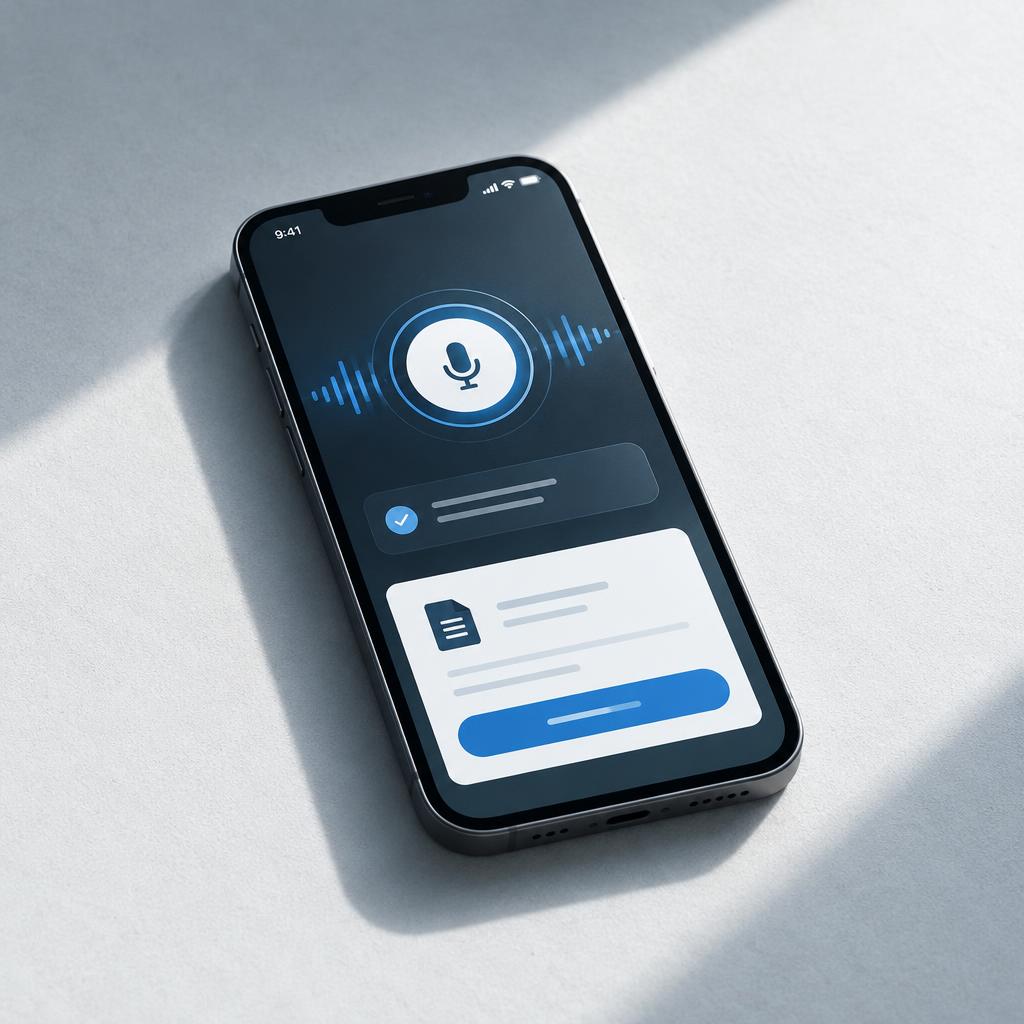
Record the completed work, hours, materials, and payment terms. Play it back before processing, or type a note instead.
Review the transcript and line items, answer clarification questions, and correct any field. Confirm customer details and tax settings.
Preview or download the PDF. Check recipient, message, attachment, and total, then explicitly confirm before the invoice is sent.
The difference
Keep the review. Cut the typing from scratch.
Questions
The details on usage, data, billing, and staying in control.
You get 30 voice-generated invoice drafts per billing period, with recordings up to three minutes each. Manual edits and downloads of previously generated invoices need no additional credits; clarification answers and retries for processing failures do not consume another credit.
Documents are stored privately, each business’s data is isolated, and audio deletion, data export, and account deletion controls are available. Recording needs microphone access, transcription may involve third-party processing, and customer audio, transcripts, and invoice details stay out of general analytics events.
You can manage cancellation in billing settings, alongside your current plan, usage counter, and renewal date. Usage limits and renewal terms are shown before purchase, and version one has no paid overages.
It works in a phone browser without installation, with PDF download and email sending. Version one does not include full accounting, bank connections, or customer payment processing; payments are recorded manually.
Unclear financial details trigger clarification questions, every extracted field is editable, and tax uses only confirmed settings. Sending requires explicit confirmation in the interface—even if your recording says “send it.”


Describe the work while it's fresh. Check the details before it reaches your customer.
Get started